
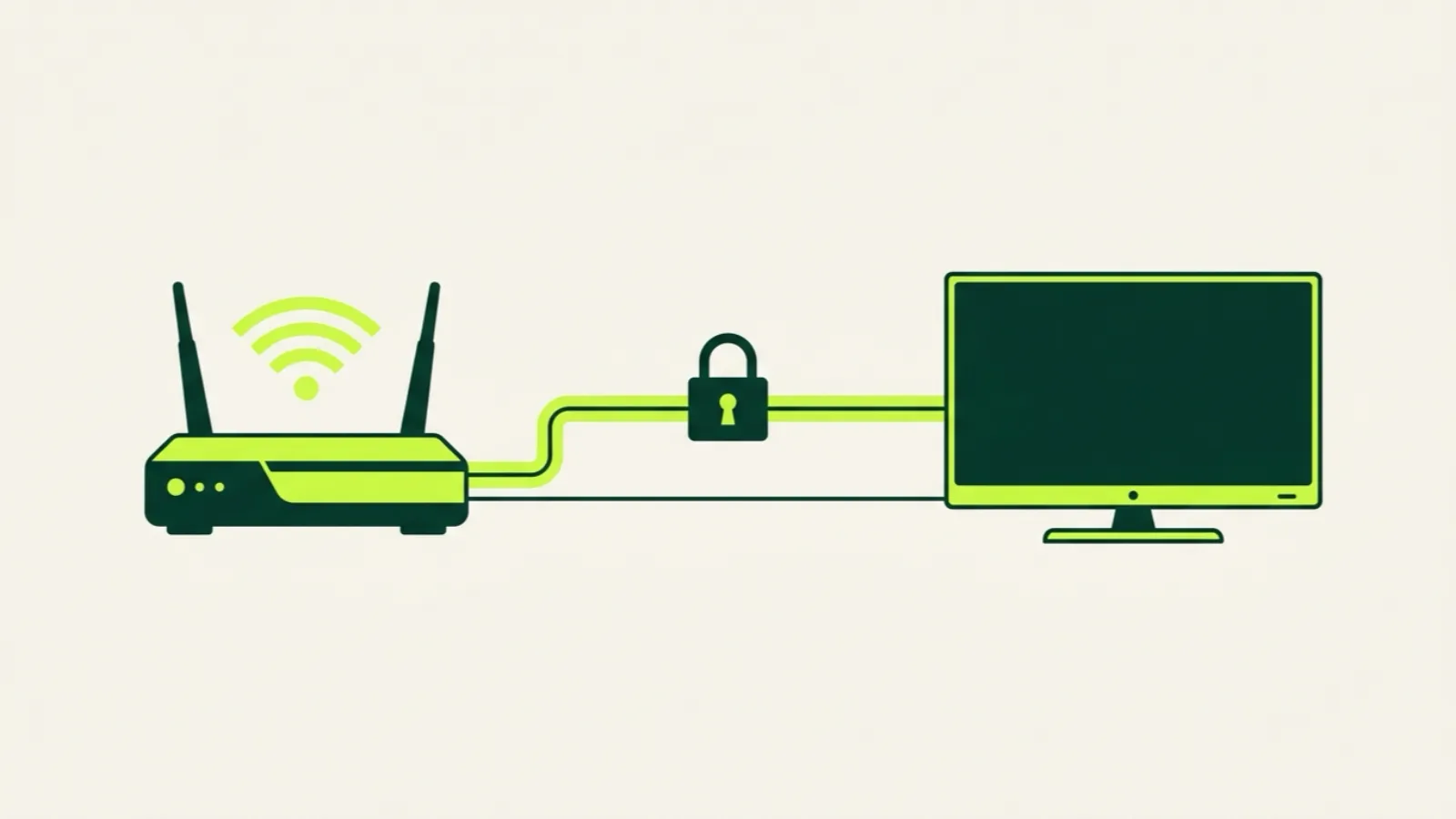
Do you need a VPN for IPTV? For most US households, no. If your streams play smoothly at the hours you watch, a VPN won’t make them better, and it can make them worse by adding distance and slowing your connection.
There’s one common case where a VPN does help: when your internet provider slows down streaming traffic during busy evening hours. A VPN hides what kind of traffic you’re sending, so the provider can’t single it out. Below we explain how to tell which case you’re in, how to test it in 20 minutes with a phone hotspot, and what to look for if you decide you need one.
What a VPN actually does
A VPN (virtual private network) wraps your internet traffic in an encrypted tunnel to a server somewhere else. Your internet provider sees that you’re connected to that server and how much data moves, but not what’s inside.
For streaming, that has three effects:
- Your provider can’t tell it’s video. That’s what helps if they slow video specifically.
- Your data takes a longer route. It goes to the VPN server first, then to the stream, then back.
- Encryption costs speed. Your device and the VPN server both do extra work, so you usually lose some bandwidth.
So a VPN is a trade: privacy from your provider in exchange for some speed and latency. Whether that trade pays off depends on what was slowing you down in the first place.
When a VPN helps
Your provider slows streams at peak hours
Some internet providers manage traffic during congested periods, and streaming video is an easy target. The symptoms are pretty specific:
- Streams are smooth in the morning and afternoon, then buffer between about 7 p.m. and 11 p.m.
- A speed test at night still looks fine, because speed tests aren’t throttled the same way.
- Other video, like large streaming apps, may also get worse at night, or may not if those services have deals or caching inside your provider’s network.
If that pattern matches, a VPN is worth testing, because it removes the provider’s ability to pick out your IPTV traffic.
Your network blocks the service
Some workplace, campus, hotel or public Wi-Fi networks block streaming or specific domains. A VPN can get around a network-level block. Whether you’re allowed to use one on that network is a separate question. Check the network’s rules.
When a VPN hurts
It adds latency and cuts speed
Every VPN adds a hop. If the VPN server is far away, or busy, your stream has to travel farther and share bandwidth with other VPN users. For a live HD stream that needs around 25 Mbps, or 50 Mbps for 4K, losing a noticeable share of your speed can be the difference between smooth and stuttering.
Your device can’t keep up
Encryption takes processing power. Older or cheaper streaming sticks can struggle to run a VPN app and decode HD video at the same time. You’ll see it as buffering that looks like a network problem but isn’t.
The real problem is inside your house
Most IPTV buffering we hear about comes from home Wi-Fi: a 2.4 GHz connection through two walls, a router in a cabinet, or five devices sharing one connection. A VPN does nothing for that. Wired Ethernet or 5 GHz Wi-Fi usually helps more than any VPN. Our game-day buffering checklist walks through these fixes in order.
How to test it with a phone hotspot
You can find out whether your provider is the problem without buying anything. The idea: compare your home internet against a completely different network, your phone’s cellular data, at the same time.
- Pick a time when streams buffer, usually a weekday evening.
- Play the same channel at home on your normal connection. Note how often it buffers in five minutes.
- Turn on your phone’s hotspot and connect the streaming device or a laptop to it. Play the same channel for five minutes. Keep the phone near the device and make sure it has good signal; also check your data plan, since HD video uses a lot.
- Compare. If the hotspot is smooth and home internet buffers, your home connection or provider is the likely cause. If both buffer, the problem is more likely the stream, the device or the app.
- If home looked like the problem, check your Wi-Fi first: move closer to the router or plug in a cable and repeat step 2. If it’s still bad on a wired connection at night but fine in the morning, provider slowdown is a strong suspect.
- Only then try a VPN, with one that offers a trial or refund window. Pick a server close to you, play the same channel at the same time of night, and compare again.
If the VPN clearly fixes peak-hour buffering on a wired connection, you’ve found your answer. If it doesn’t, or makes things worse, cancel it and look elsewhere.
You can run this whole test during our 36-hour free trial before paying anything, using the web player or the app.
If you do use one: what to look for
We don’t recommend a specific VPN brand. Instead, check for:
- Servers close to you. A server in your region keeps the extra distance small.
- No speed cap that would cut below 25 Mbps for HD.
- An app for the device you watch on, or support on your router so every device is covered.
- A trial or refund window so you can repeat the hotspot test with it.
- Stable connections. A VPN that drops every hour will interrupt streams more than it helps.
Setting a VPN up on your router instead of the TV device takes the encryption work off a weak streaming stick. It’s more work to set up, but it can help older hardware.
What a VPN doesn’t change
A VPN changes the path your data takes. It doesn’t change what you’re watching or your responsibility to follow the law where you live. We cover the legal side plainly in is IPTV legal in the US?.
It also doesn’t fix a bad provider. If streams fail no matter which network you’re on, the issue is the service, and no VPN will change that. Our guide on how to spot an IPTV scam explains how to judge a provider before paying.
A quick decision guide
| Your situation | VPN? |
|---|---|
| Streams are smooth all day | No |
| Buffering only at night, wired connection, hotspot is smooth | Worth testing |
| Buffering on 2.4 GHz Wi-Fi far from the router | Fix Wi-Fi first |
| Buffering on every network, including hotspot | No, look at the device or service |
| Older streaming stick that’s already slow | Probably not; try a router VPN or a newer device |
| Network blocks streaming (campus, hotel) | Can help; check the network’s rules |
Setup tips that matter more than a VPN
Before spending on a VPN, these usually make a bigger difference:
- Plug in Ethernet if the TV or box has a port. On a FireStick, an inexpensive Ethernet adapter does the job.
- Use 5 GHz Wi-Fi instead of 2.4 GHz.
- Restart the router and streaming device before big events.
- Lower the number of devices streaming at once.
Device-specific steps are in our setup guides, starting with the FireStick guide since it’s the most common box our customers use. If you’re picking a plan for several TVs, the pricing page shows each screen count.
The short answer
Most people don’t need a VPN for IPTV. If your streams buffer only in the evening on a wired connection, and your phone hotspot plays the same channel smoothly, your provider may be slowing video, and a VPN is worth testing. Otherwise fix your Wi-Fi first, because that’s where most buffering really comes from.
