
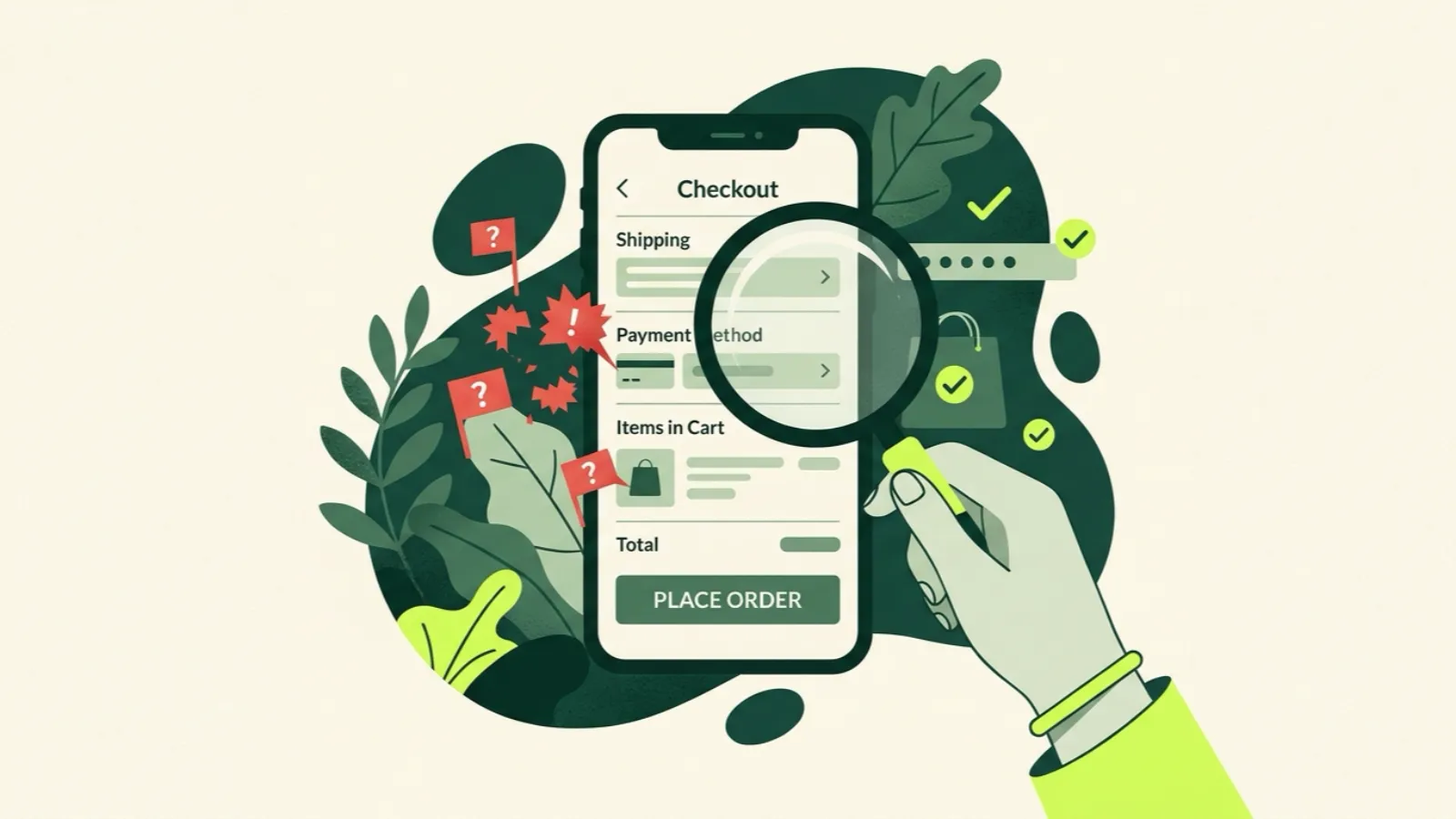
The easiest way to spot an IPTV scam is to look at how a seller wants to be paid. Scams push you to pay a lot, up front, for a long time, before you’ve watched anything: “lifetime” access, 12 months only, no trial, card details on a sketchy form. Honest providers do the opposite: they let you try first, sell a single month, and give you a way to reach a person.
That one test catches most of the bad actors. Below is the full list of red flags, the green flags worth looking for, and a step-by-step way to test any service during a trial so you know what you’re buying.
Why are IPTV scams so common?
IPTV is cheap to advertise and hard to judge from the outside. Every seller’s site looks similar, and most claim the same huge channel counts. A scam can take payments for weeks before anyone notices the streams don’t work, or the service quietly disappears.
The people who lose the most money are the ones who prepaid the longest. That’s why almost every red flag below is about money and commitment, not about channels.
Red flags: walk away if you see these
“Lifetime” plans
A one-time payment for lifetime access is the single clearest warning. Running streaming servers costs money every month. A seller offering lifetime access is either planning to disappear or will be forced to. Either way, “lifetime” usually means “until the money runs out.”
12-month-only pricing
If there’s no monthly option, ask why. A seller confident in its service lets you pay for a month. A seller that only sells a year wants your money before you find the weak spots.
No free trial, or a trial that needs a card
A real trial needs an email at most. If a trial needs your card and auto-charges at the end, it’s a sales funnel, not a trial. Many people forget to cancel, and that’s the business model.
No way to contact anyone
Look for a working email address or contact page. If the only contact is a chat widget that never answers or a messaging handle that changes every month, you’ll have no one to ask when something breaks.
Fake or copy-paste reviews
Watch for five-star reviews that all sound the same, use the same phrases, or were all posted on the same few days. Also be wary of “#1,” “best,” “rated 4.9 by 50,000 users” and similar claims with no source. Anyone can type a number on a website.
Too-good-to-be-true promises
“Every game.” “All PPV free.” “Never buffers.” “100% legal.” Nobody can honestly promise any of these. Channels have outages, big events strain servers, and legality depends on rights, not marketing. We explain the legal side in is IPTV legal in the US?.
Card-skimming checkouts
This one can cost you more than the subscription. Some sites collect card numbers on a homemade form, then use or sell them. Warning signs: the checkout looks different from the rest of the site, the address bar shows a strange domain, there’s no recognizable payment processor, or the form asks for more than a normal checkout would.
If anything about a payment page feels off, stop. Losing $20 is annoying. Losing control of your card is a much bigger problem.
Green flags: what an honest provider looks like
No single green flag proves a service is good, but together they tell you a lot.
- A free trial with no card. Ours is 36 hours, email only, and nothing auto-charges.
- A monthly option. You can buy one month and leave if it isn’t right. Ours is $19 for one screen.
- No auto-renewal. When your term ends, the line simply stops. You decide whether to renew.
- Clear, published prices for every plan and screen count. See our pricing page.
- A readable refund policy before you pay, not after. Ours says refunds are possible before activation; it’s on the refund policy page.
- A real person on email. At IP2TV that’s contact@ip2tv.us.
- Plain language about limits. A provider that tells you 4K is only available where the source broadcasts it, or that you need about 25 Mbps for HD, is being straight with you.
- Setup guides that match real devices. For example, our setup guides cover FireStick, Android TV, smart TVs, Roku workarounds, iPhone and more.
Why start month-to-month, every time
Even with a provider that looks honest, start with one month. Here’s the math on why.
Say a 12-month plan costs $79 and a month costs $19. The yearly plan saves you a lot per month, but only if the service is still working well all year. If it fails in month two, the monthly buyer lost $19 and the yearly buyer lost $79.
Buying one month first costs you a few extra dollars in the best case and saves you most of a year’s payment in the worst case. Once you’ve watched through a full month, including a busy weekend, a longer plan makes sense.
How to test an IPTV service during a trial
A trial only helps if you use it properly. Here’s a checklist that takes a couple of evenings.
- Test on your real TV. Not your phone on the couch. Use the device you’ll watch on every night. If you’re on a FireStick, follow the FireStick install guide.
- Watch at peak hours. Weeknight evenings and live sports are when servers are busiest. A service that’s fine at 2 p.m. can struggle at 8 p.m.
- Check the channels you actually watch. Ignore the channel count. Make a list of your ten must-have channels and open each one.
- Test a live game if you can. It’s the hardest load any service faces. If you do see buffering, run through our game-day buffering checklist before blaming the provider, because sometimes it’s the Wi-Fi.
- Open the TV guide. Make sure the EPG shows the right programs at the right times.
- Try the library. Play a movie and an episode of a series. Check that they start fast and seek properly.
- Email support with a real question. See how long it takes to get a human answer. This tells you what will happen when something breaks later.
- Check every screen you’ll use. If two people will watch at once, test two at once. See how multiple screens work.
If a service passes all of that, buy one month. If it fails two or more, move on.
What to do if you think you’ve been scammed
- If you paid by card, contact your card issuer right away and ask about a dispute and a replacement card.
- Change passwords you may have reused on the site.
- Keep records: receipts, emails, screenshots of the offer.
- Report it. The FTC accepts fraud reports at ReportFraud.ftc.gov.
Then start over with the checklist above, and pay for a month, not a year.
The quick version
Red flags: lifetime plans, 12-month-only pricing, no trial or a card-required trial, no contact, fake reviews, impossible promises and odd checkouts. Green flags: a no-card trial, a monthly option, no auto-renewal, clear prices, a readable refund policy and a person who answers email. Test on your real TV at peak hours, then buy one month.
If you want to put us through that same test, start the 36-hour free trial. Email only, no card.
